2D point tracking and 3D camera solves for VFX, on your own machine. Drop in a clip, solve it, and send the result straight to Nuke, After Effects, Blender or USD.
Roto-aware: 2D masks are rasterised and passed to COLMAP so moving people never end up in the solve.
Batch solving: select several shots in the media pool, or none to solve everything.
Picks the best model COLMAP produced rather than assuming the first one, then meshes it if asked.
01Drop a clipInto 02 VIDEOS, or drag it onto the app.
02Unpack framesFFmpeg extracts every frame for scrubbing and solving.
03Mask what movesDraw and keyframe exclusion shapes over actors.
04SolveRun the 2D tracker, the 3D solver, or both.
05ExportEvery format is written at once, with the timeline start you set.
A look inside
The app
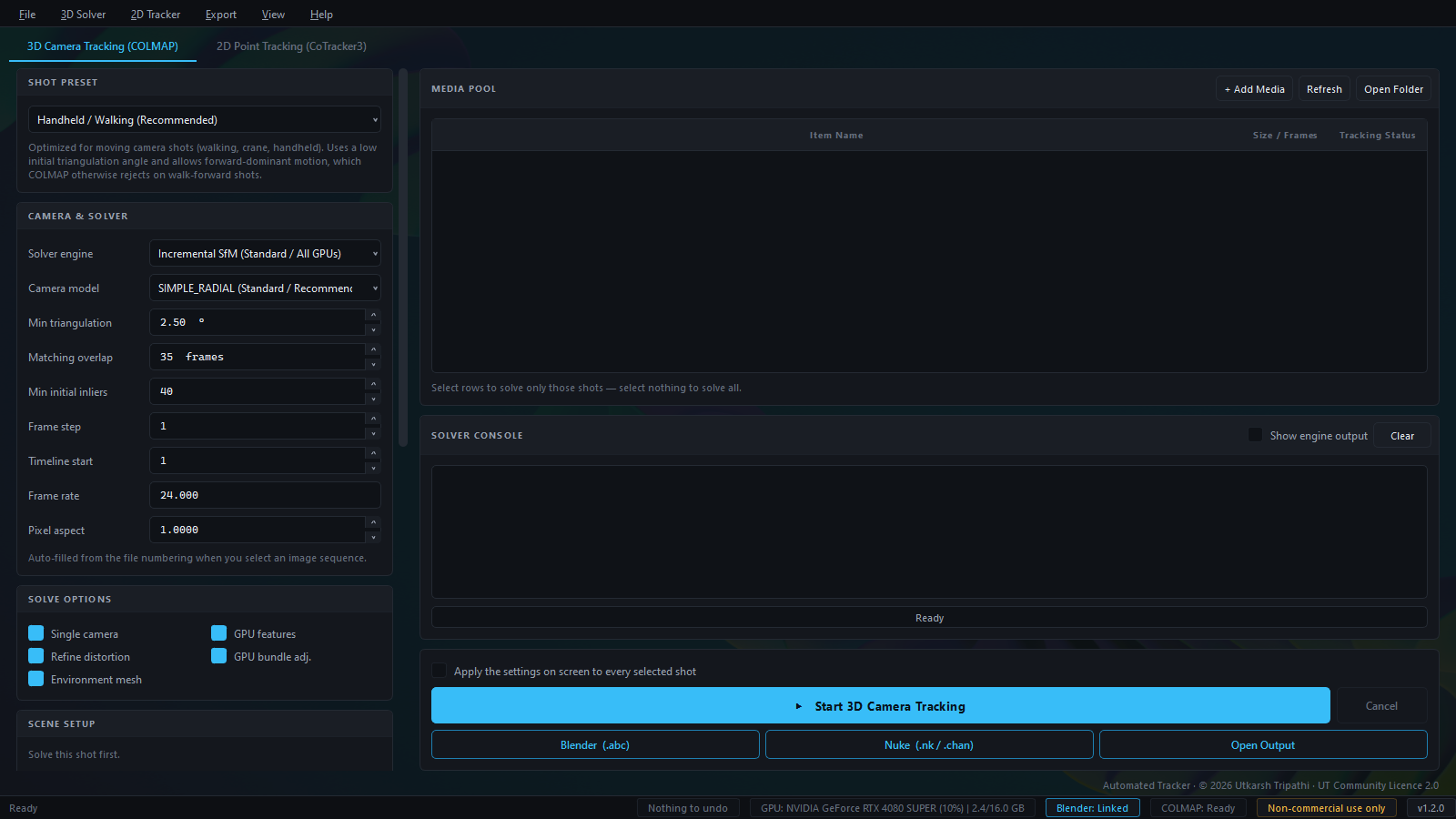
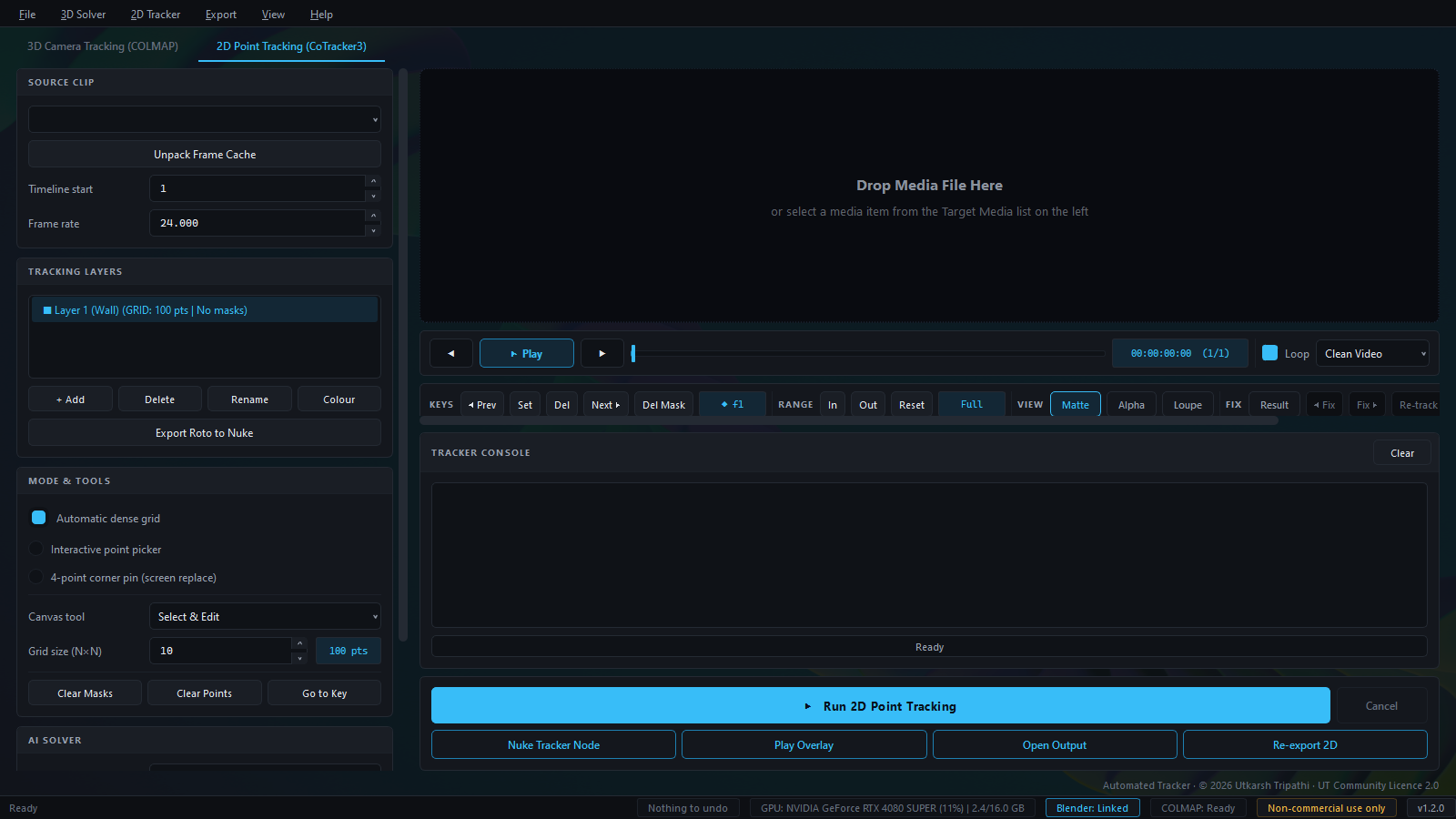
One window, two tabs. Settings on the left, the media pool or viewer on the right, and the licence line along the bottom.
3D Camera Tracking. Pick a shot preset, adjust the solver, and solve one shot or a whole batch from the media pool.2D Point Tracking. Layers, masks and point tools on the left; the viewer with keys, range and matte views on the right.
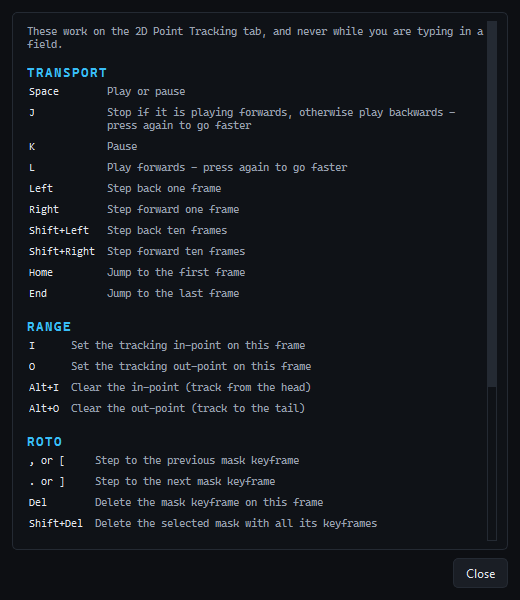
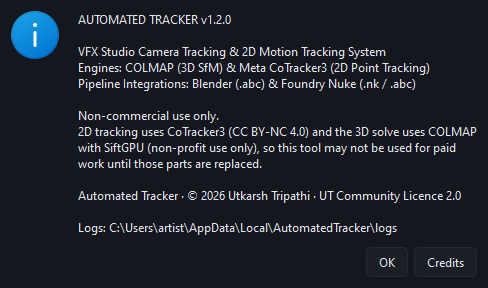
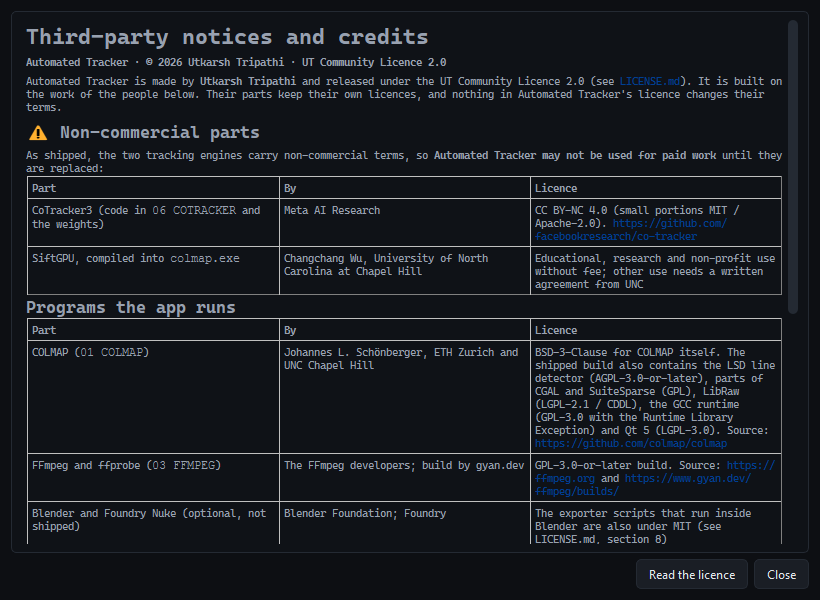
Keyboard shortcuts. J/K/L transport, in and out points, roto keys.About. Version, engines and where the logs are.Credits. Every third-party part and its licence, inside the app.
Straight into your comp
Exports for the tools you already use
One solve writes every format below into the scene folder. A Timeline Start control shifts all keys onto the shot's real frame range, and the Nuke tracker is copied to the clipboard so it pastes straight into a script.
2D tracks
What you get
Nuke .nk
Native Tracker4 node, one per layer. Corner-pin mode adds a CornerPin2D. Masks export as a Roto node.
After Effects .jsx
ExtendScript that builds tracked null layers, or a corner-pinned layer.
Blender .py
Empties following each point, or a quad surface for corner pins.
CSV / JSON
Raw per-frame positions and confidence for anything else.
Overlay .mp4
Motion-trail preview for review.
3D camera
What you get
Nuke .nk / .chan
Camera script and animation channel file.
Blender .py / .blend
One-click import of camera, image sequence, point cloud and a RANSAC ground plane. A baked .blend is written when Blender is installed.
Alembic .abc
Baked through headless Blender when it is found.
USD .usda
Pixar USD camera and points.
PLY / JSON
Sparse point cloud, optional environment mesh, and the full solve as JSON.
What it needs
Requirements
Everything is bundled: Python, PyTorch, COLMAP, FFmpeg and the CoTracker3 weights. Nothing is downloaded at run time.
OS
Windows 10 or 11, 64-bit. Installs to Program Files, so setup asks for admin once.
GPU
An NVIDIA GPU with CUDA makes both engines fast. Without one, tracking and solving fall back to the CPU.
VRAM
Automatic VRAM chunking sizes the tracking window to free memory and halves it on an out-of-memory error.
Disk
About 6 GB for the install. Frame caches and solves are written next to your footage.
Get it
Download and install
The installer is split into a small setup exe plus numbered .bin data files, because the bundled AI model and PyTorch runtime are larger than a single Windows installer can hold.
Download every file from the latest release: the setup exe and each -1.bin, -2.bin, … file.
Keep them in the same folder. The exe reads the .bin files beside it. If one is missing, setup stops and tells you which.
Run the setup exe. Choose a location, optionally add a desktop shortcut and the sample clip.
Launch Automated Tracker and drop a clip into the media pool.
Ship them together. The exe on its own installs nothing. Zip the whole set, or download all of them into one folder before running setup.
Built on
Open engines under the hood
CoTracker3
Meta AI's transformer point tracker drives the 2D tab. The bundled weights are released under the Creative Commons BY-NC 4.0 licence, which permits non-commercial use only.
COLMAP
The structure-from-motion and multi-view stereo pipeline behind the 3D solve, including its vocabulary tree for loop detection.
FFmpeg · PyTorch · Qt
Frame extraction, GPU inference and the interface. Blender, when installed, bakes Alembic and .blend exports.