
A free lossless music player for Windows and Android.
Gapless, bit-perfect playback, exact seeking in every format, a proper EQ and a spinning CD. No AI, no accounts. Just your music.
Gleo (say GLAY-oh) is Old English glēo: music, joy.
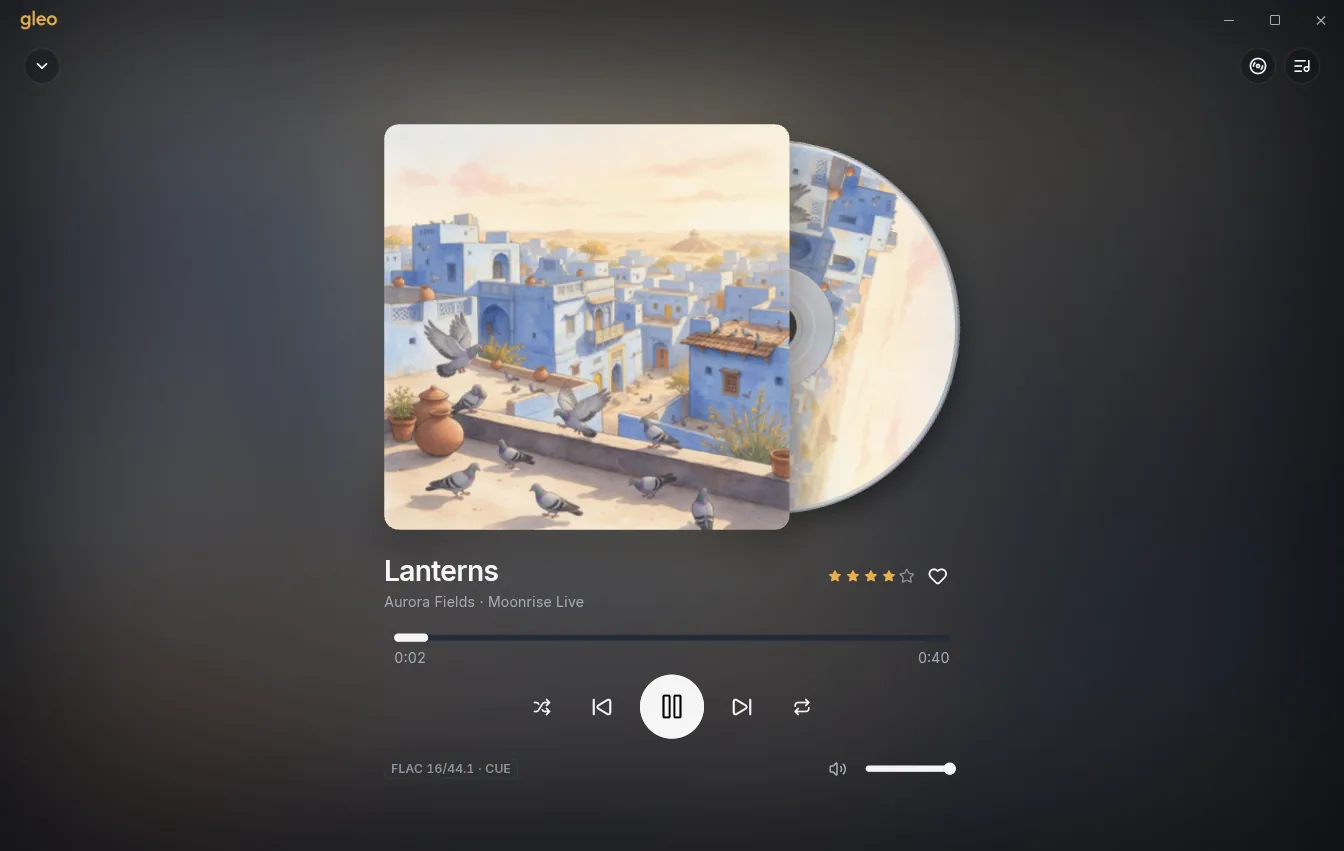
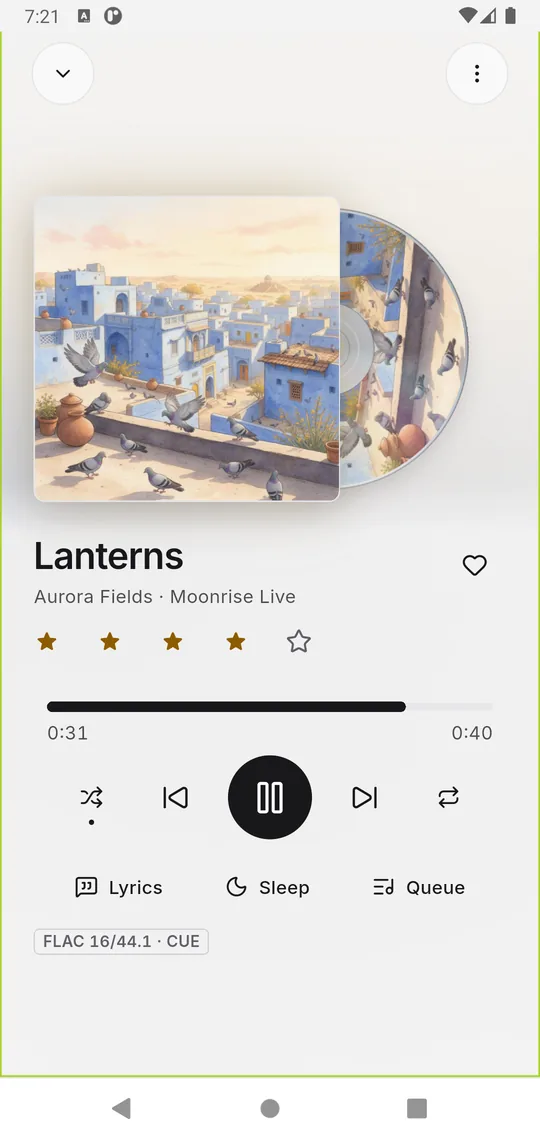

A free lossless music player for Windows and Android.
Gapless, bit-perfect playback, exact seeking in every format, a proper EQ and a spinning CD. No AI, no accounts. Just your music.
Gleo (say GLAY-oh) is Old English glēo: music, joy.
Midnight layers, a gold accent, and the cover art in front. There is a light theme too.
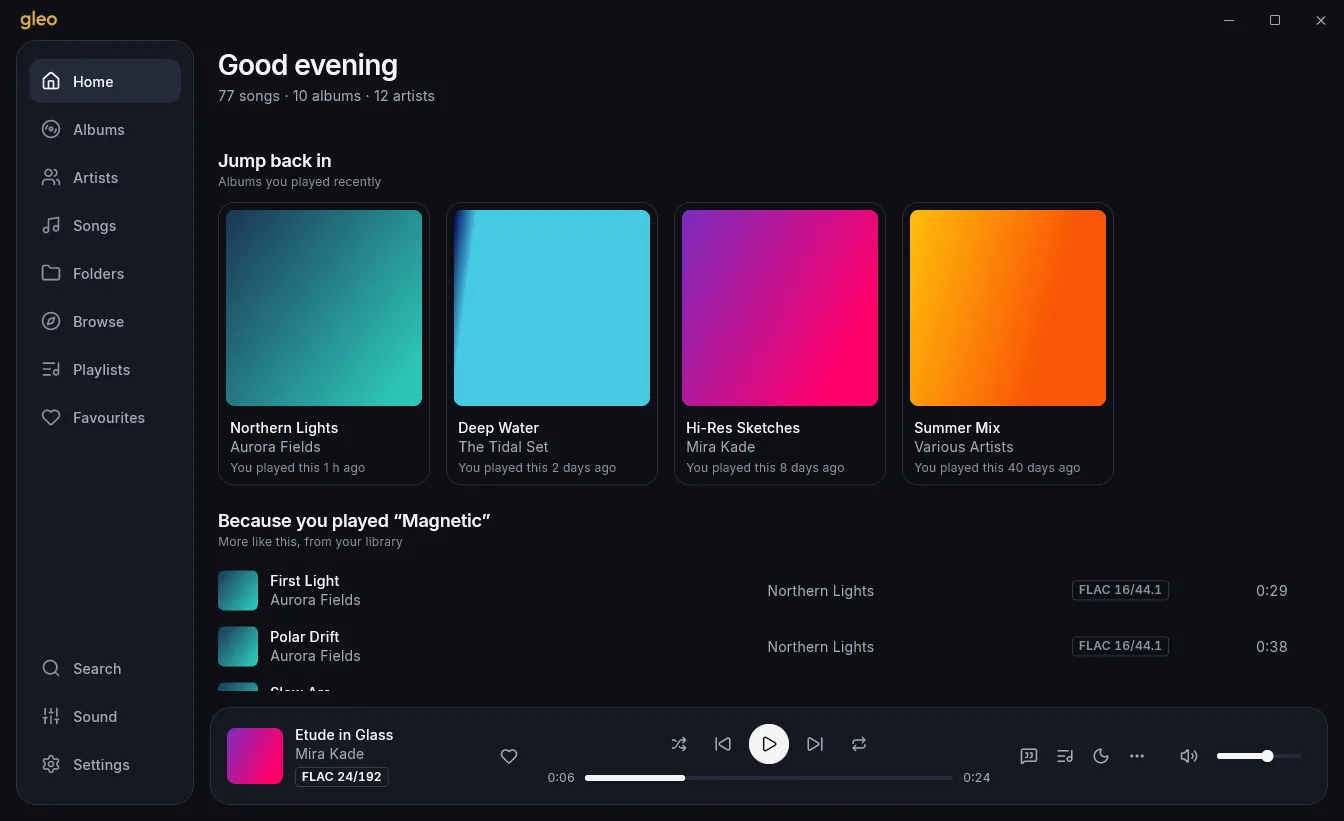
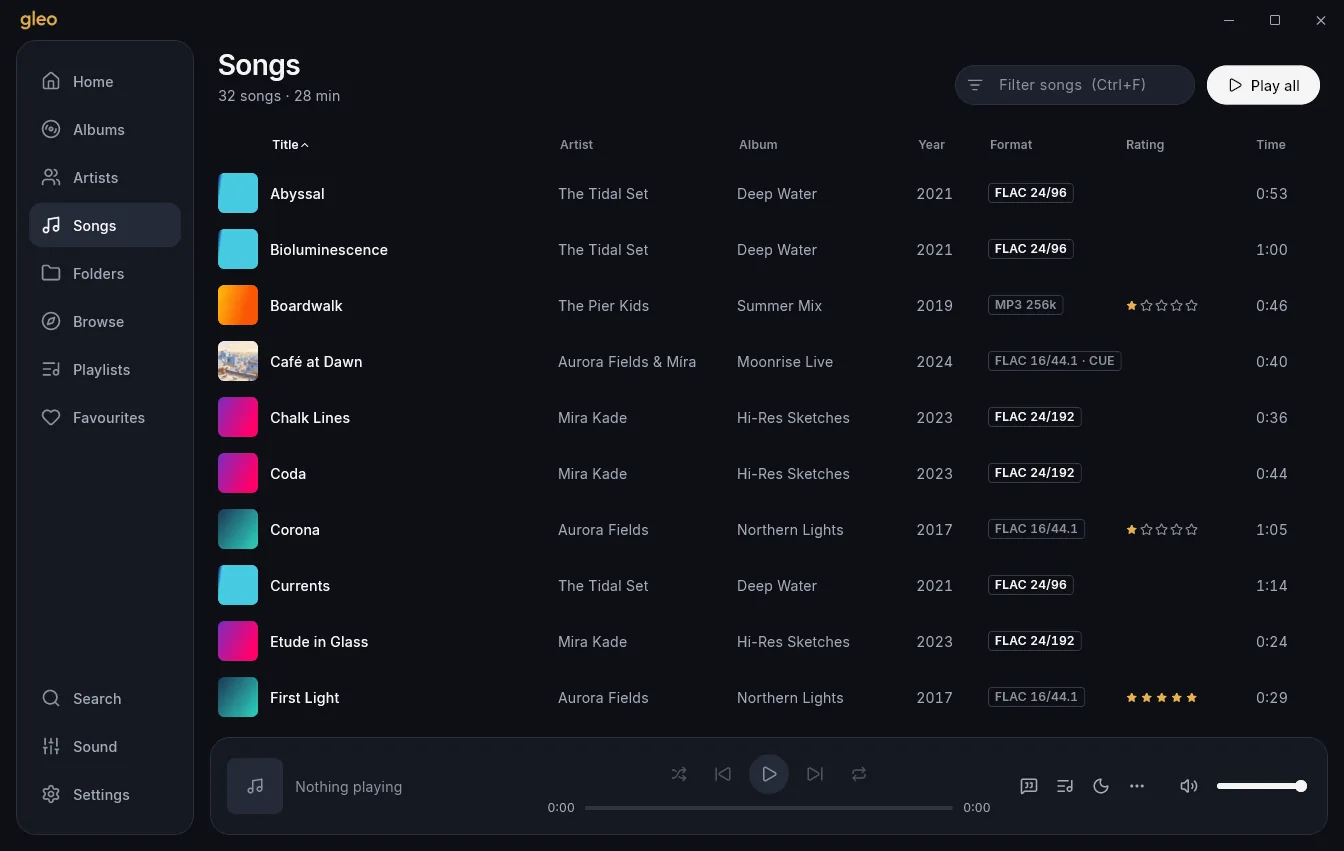
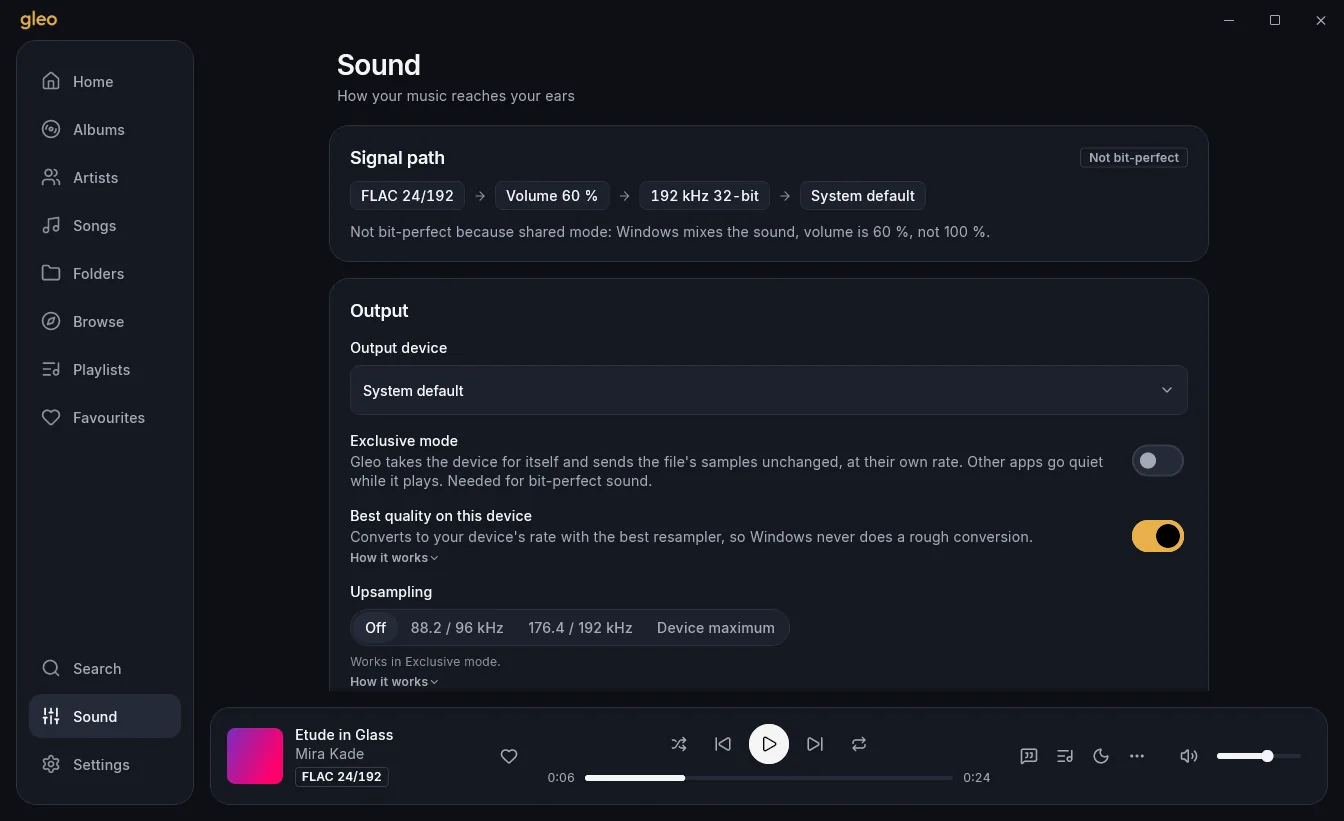
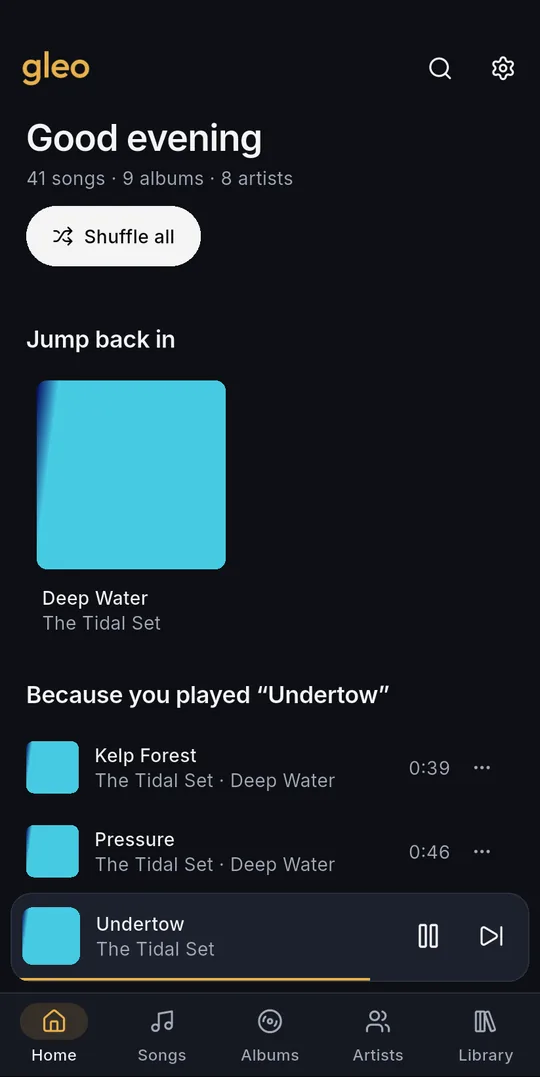
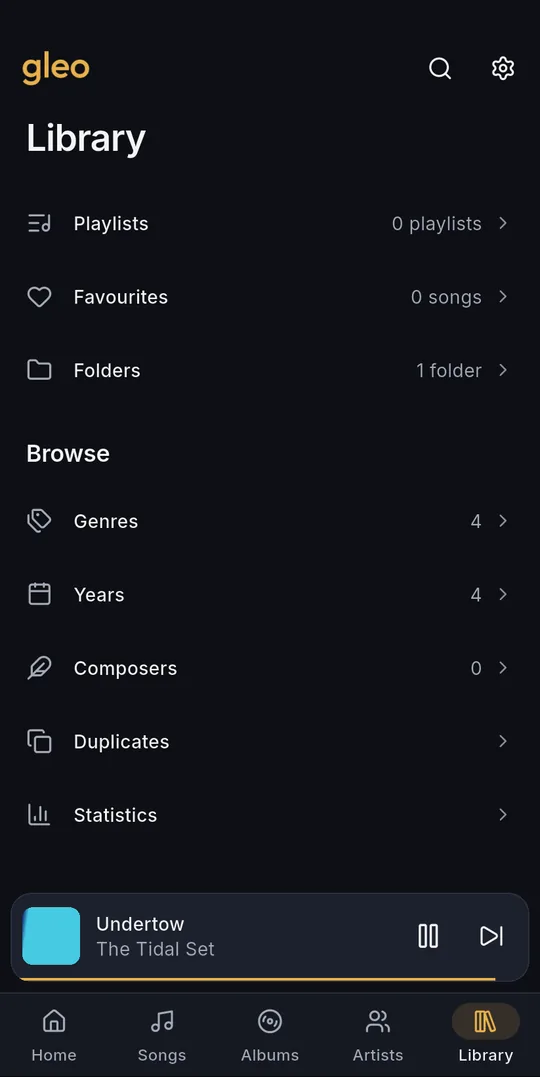
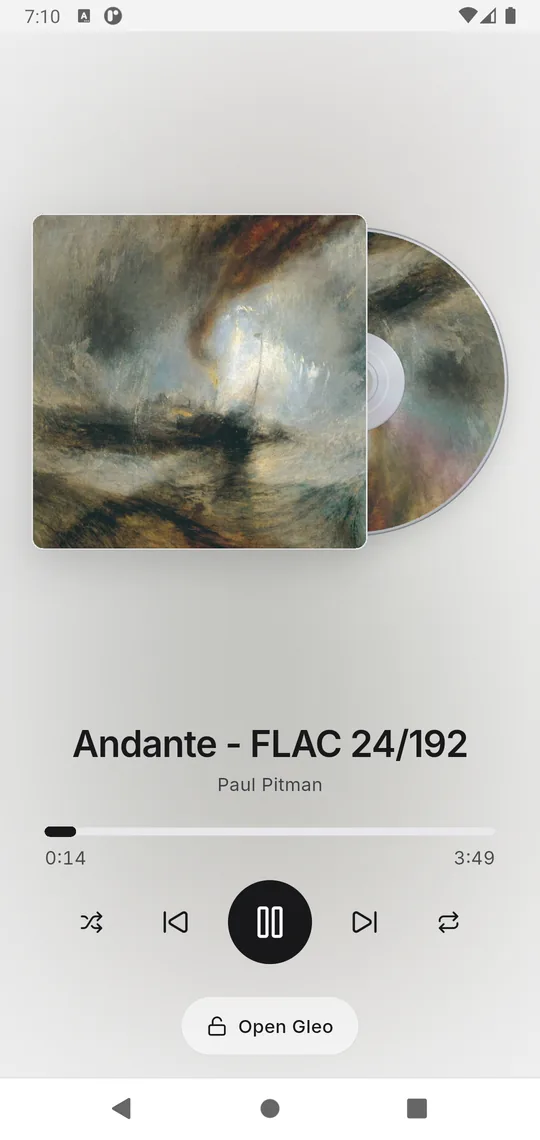
Gleo started from the look of Wora and fixed what kept getting in the way: real seeking, a real queue, no gaps, and a library that stays fast.
.cue shows as separate songs..gleobackup file, even between Windows and Android..lrc files or tags, and optional downloads from LRCLIB.Plays FLAC (any resolution), ALAC, WAV, AIFF, WavPack, APE, DSD, MP3, AAC, OGG and Opus. What's new in 0.4.1
Gleo is Lumen's new name, from 0.4.0.
Windows: Gleo installs beside Lumen. On its first start it copies your Lumen library, playlists, play counts, settings and cover picks. Lumen's folder is kept; once Gleo looks right, uninstall Lumen yourself.
Android: Gleo is a new app, so it can't update the Lumen test app. Uninstall Lumen first, then install Gleo. The phone starts fresh (the Lumen test app had no backup); from now on use Settings → Data and updates → Back up.
Something else? Open an issue or write to capsuleutkarsh@gmail.com.
Gleo needs Android 8 or newer. All three are under All downloads, with SHA256SUMS-android.txt to check them.
Gleo isn't on the Play Store yet, and this beta is signed with a temporary test key, so Android asks before installing it and Play Protect may offer to scan it or call it unknown. Allow installs from your browser or file manager, and if Play Protect stops you, open More details and choose to install anyway (the wording differs between phones).
When Gleo moves to its permanent key, you will uninstall once and reinstall. Back up first with Settings → Data and updates → Back up.
That is SmartScreen. The installer isn't signed with a paid code-signing certificate, so new downloads get
this warning. Click More info, then Run anyway. You can check the file against
SHA256SUMS.txt in the release. Prefer no installer? Use the portable .zip.
%APPDATA%\Utkarsh Tripathi\Gleo\ holds the library list, playlists,
favourites, play counts, sound settings and the log. Settings → Data and updates opens it.
Cover thumbnails are in %LOCALAPPDATA% and are safe to delete.userdata folder next to gleo.exe.Uninstalling on Windows asks whether to delete your data; the answer is keep unless you choose otherwise.
No. Gleo only reads your files. Ratings, cover picks and play counts are kept in Gleo's own data.
Yes. Gleo is free to use and share under the UT Community Licence 2.0. It is not for sale; if you change it, keep the credits and send your changes back.